
Eclipse UI Best Practices and Icon Testing
The Eclipse UI Best Practices project works on icon packs with modernized icons for the Eclipse IDE.
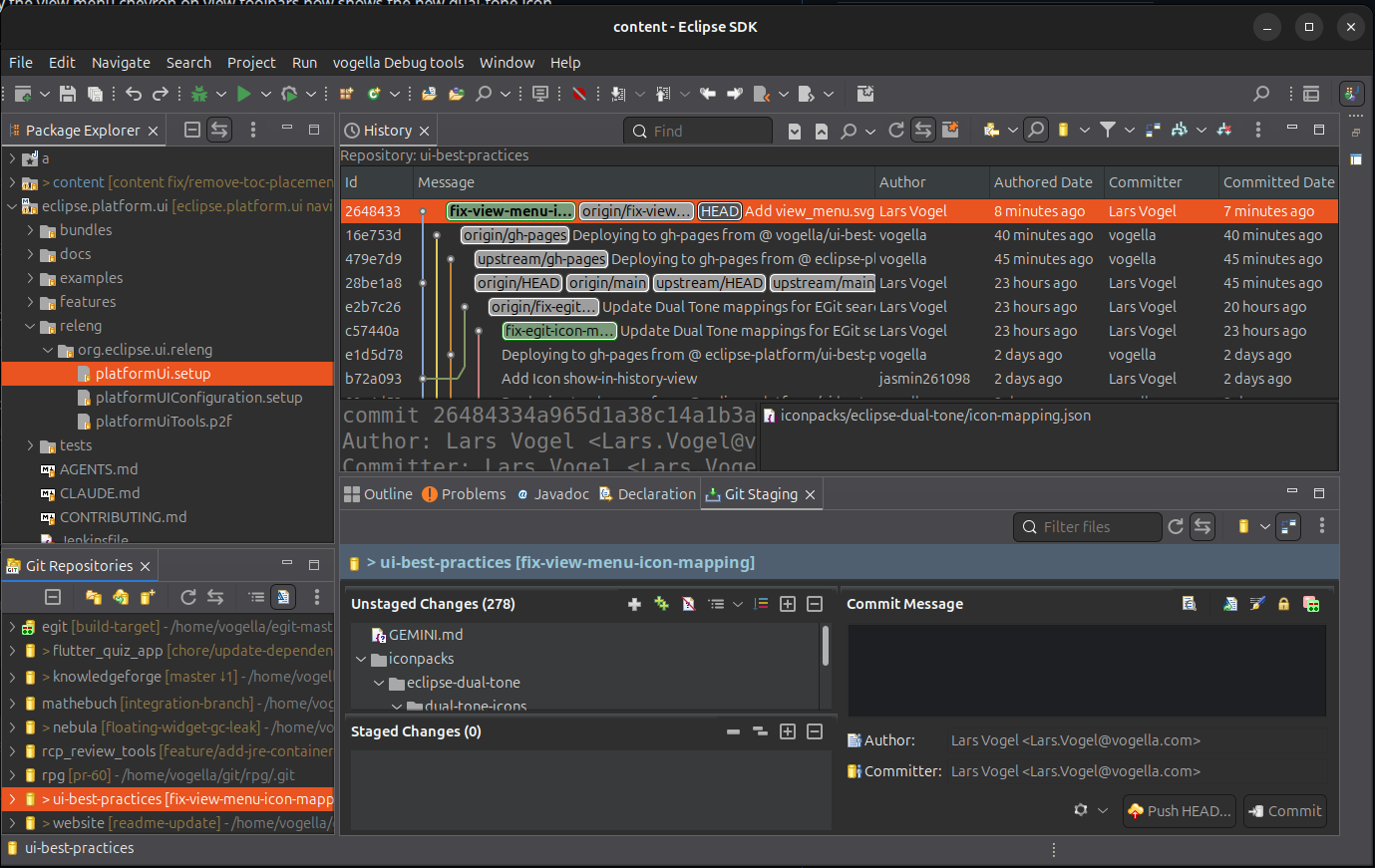
Testing New Icons in Your IDE
To try them out in your existing Eclipse installation, you can use the provided replace_icons.sh script.
Prerequisites
jq(for JSON parsing)- A JDK with the
jarcommand
Steps
- Clone the repository:
git clone https://github.com/eclipse-platform/ui-best-practices.git
cd ui-best-practices
- Run the replacement script, pointing it to your Eclipse
pluginsdirectory and the desired icon mapping file:
./scripts/replace_icons.sh /path/to/eclipse/plugins iconpacks/eclipse-dual-tone/icon-mapping.json
The script reads the JSON mapping file, locates each icon in the icon pack, and replaces the corresponding icons inside the Eclipse plugins — whether they are folder-based or packaged as JARs.
- Restart Eclipse with the
-clean -clearPersistedStateflags to clear the icon cache:
./eclipse -clean -clearPersistedState
You should now see the updated icons in your IDE.
Note: To see the new icons in EGit, you need a nightly build of EGit, as it only recently moved to SVG images.
Kudos to the Contributors
This project would not exist without the dedicated work of its contributors. Special thanks to Jasmin Hundt, Matthias Becker, Daniela Stegaru, and Michael Bangas. Their efforts are making the Eclipse IDE more visually modern and consistent.