



The Eclipse Usage Data Collector is back
Long-time Eclipse users may remember the Usage Data Collector (UDC). Around 2008 it shipped with the EPP packages and recorded which commands, editors and views people actually used, so the projects could see how the IDE was used in practice. The Eclipse Foundation retired it years ago, and the code has barely been touched since.
We brought it back to life in vogellacompany/org.eclipse.epp.usagedata.
What changed
The code base now builds with a current Maven Tycho setup against the Eclipse 2026-06 release, and the tests run as part of the build on JUnit 5. The UI uses theme-aware colors, so it looks right in the dark theme too.
Recording was trimmed to what carries information: bundle lifecycle events, window focus events and uninformative Java properties are no longer recorded. Uploads retry on failure, offer an upload mode preference (ask, automatic or manual) and warn you when the upload location cannot be reached. The preview page shows the live event file, and you can delete your recorded data at any time.
Install it
Every push to main publishes a PGP signed update site.
Add it via Help > Install New Software:
https://vogellacompany.github.io/org.eclipse.epp.usagedata/
Bring your own server
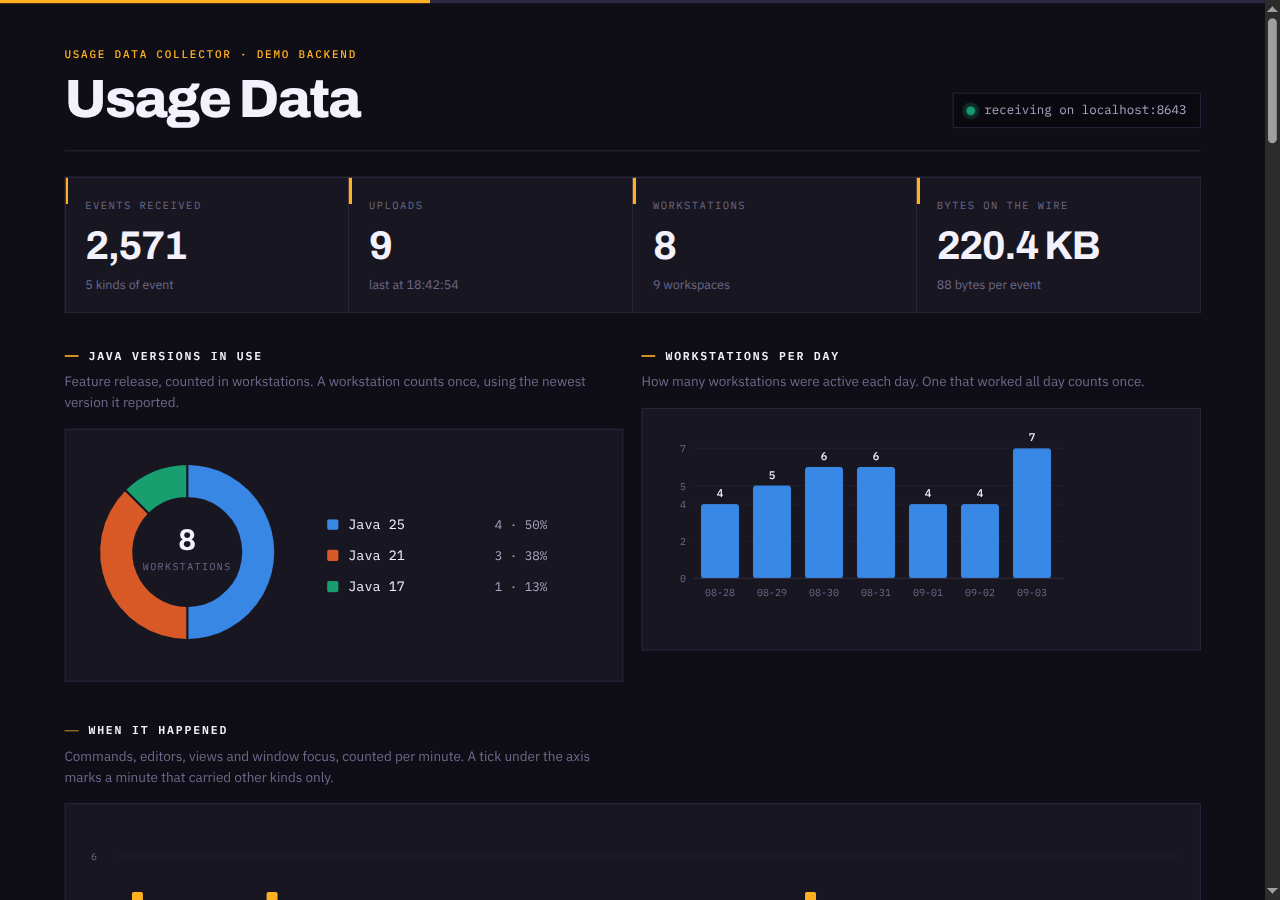
With the original Eclipse server gone, the interesting use case is collecting data for your own team or your own Eclipse RCP application. Point the upload URL at your server and you learn which Java versions your developers run, which commands they use and where they spend their time.
This is especially useful for Eclipse RCP applications. Our customers sometimes need to see how their users actually work with their application: which features are used, which are never touched and which parts of the UI get the most attention. Adding the collector to the product and pointing it at their own server answers these questions with real data instead of guesses.
The repository contains a small demo backend to try this out.
Start it with java demo/UdcDemoServer.java, set the upload URL in Preferences > Usage Data Collector to http://localhost:8643/upload.php and press Upload Now.
Feedback and contributions are welcome on GitHub.