



Modern icons for vogella’s Dark & Light themes
Our Eclipse themes now come with matching icon sets. Besides new colors, the whole workbench gets a modern, consistent look: toolbars, views, editors and menus. The icons need Eclipse 2026-03 or later. If you want the same for your own application, we can help.
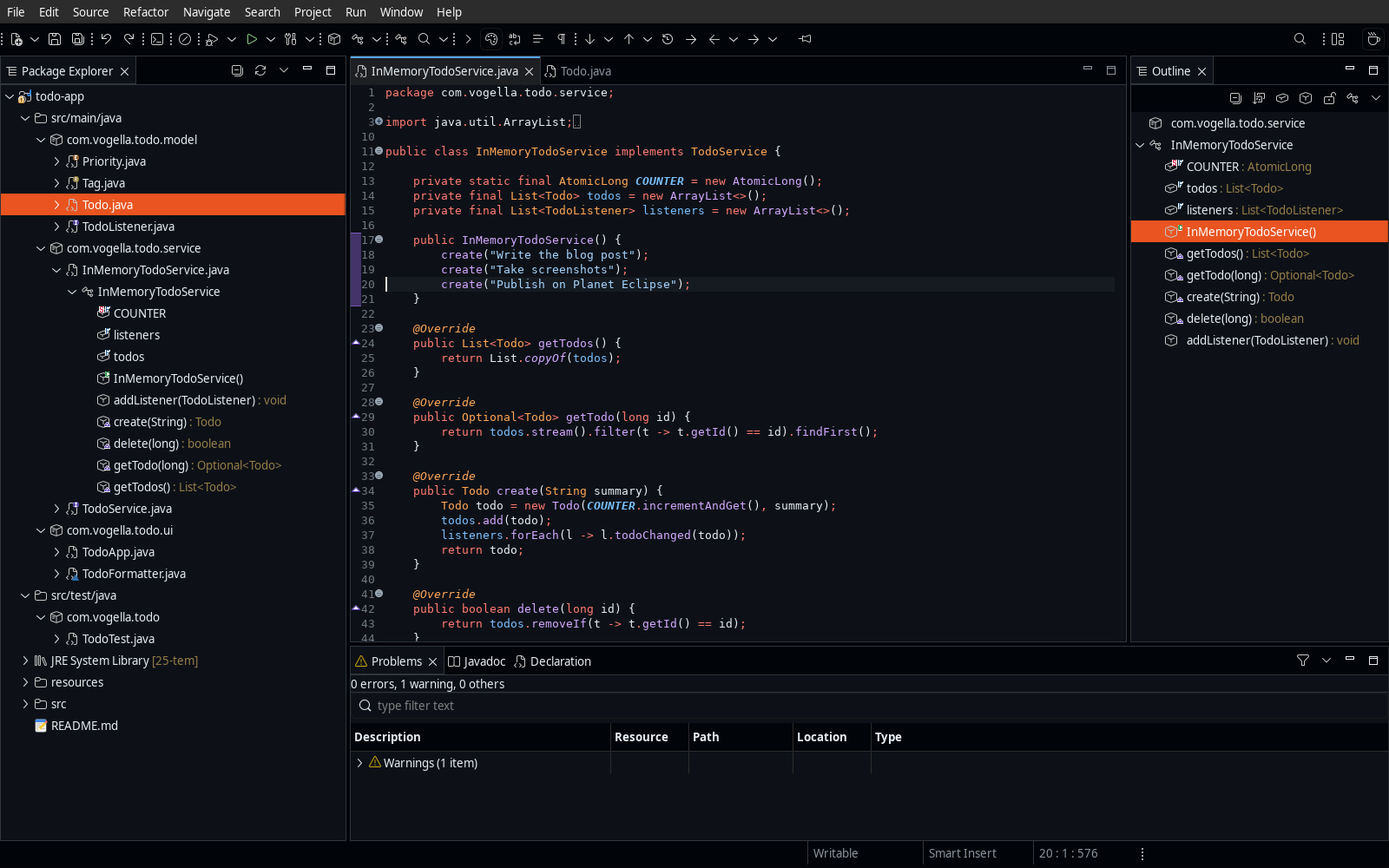
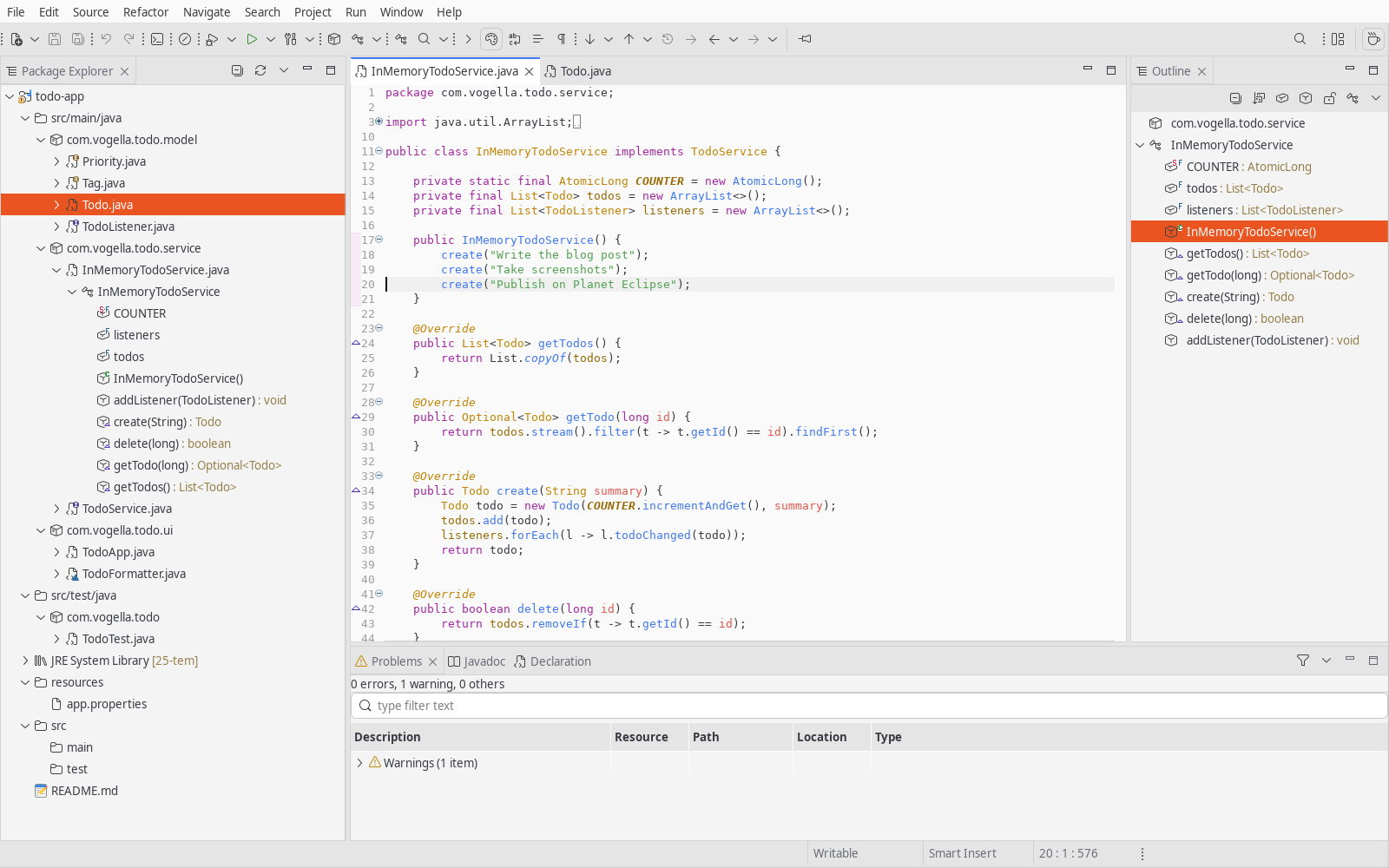
Three icon styles
You can choose between three styles of SVG icons: Codicons, IntelliJ style Platform Icons and Dual Tone.
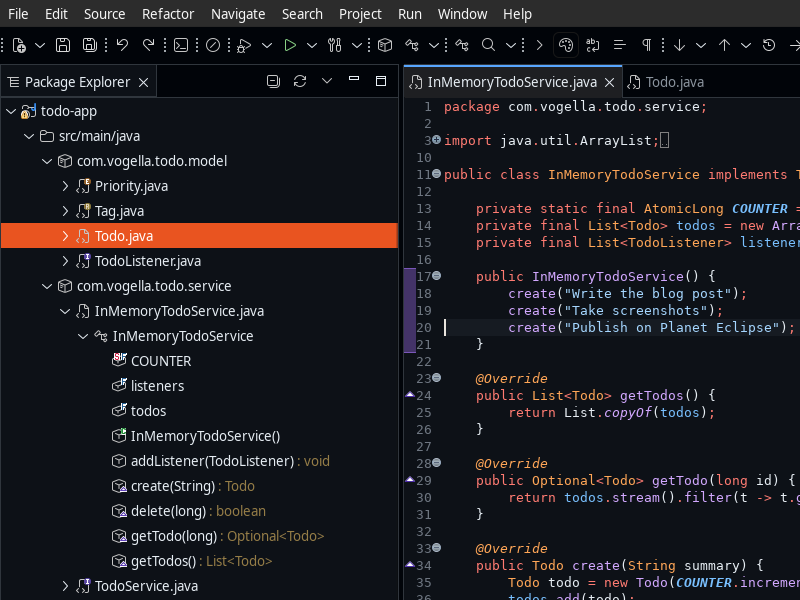
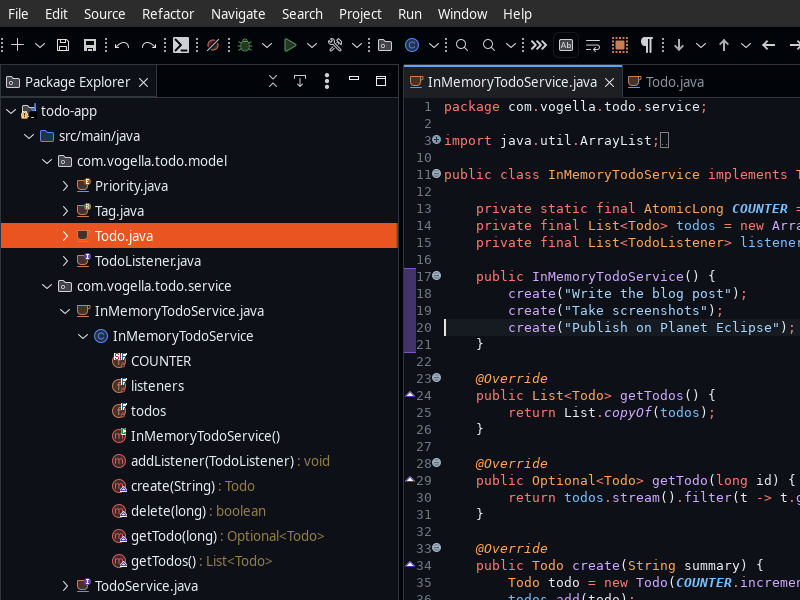
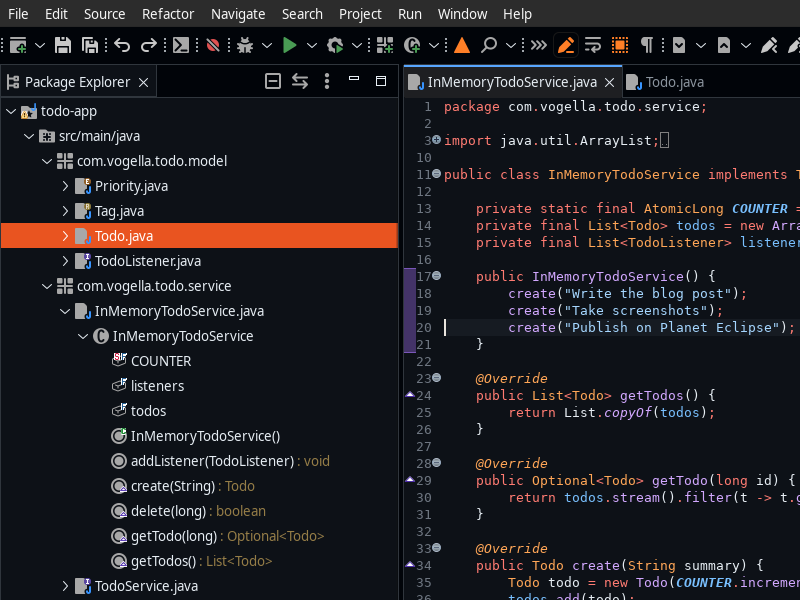
By default, each theme picks a fitting set: Dracula uses Platform Icons, One Light uses Codicons Light, the other vogella themes use Codicons Dark, and the built-in Light and Dark themes use Dual Tone. When you switch to a theme with a different set, a notification offers to switch the icons as well. To choose a set yourself, use Window > Appearance > Icon Set or Preferences > General > Appearance > Icon Sets; the new set applies after a restart. Selecting “none” turns the icon sets off.
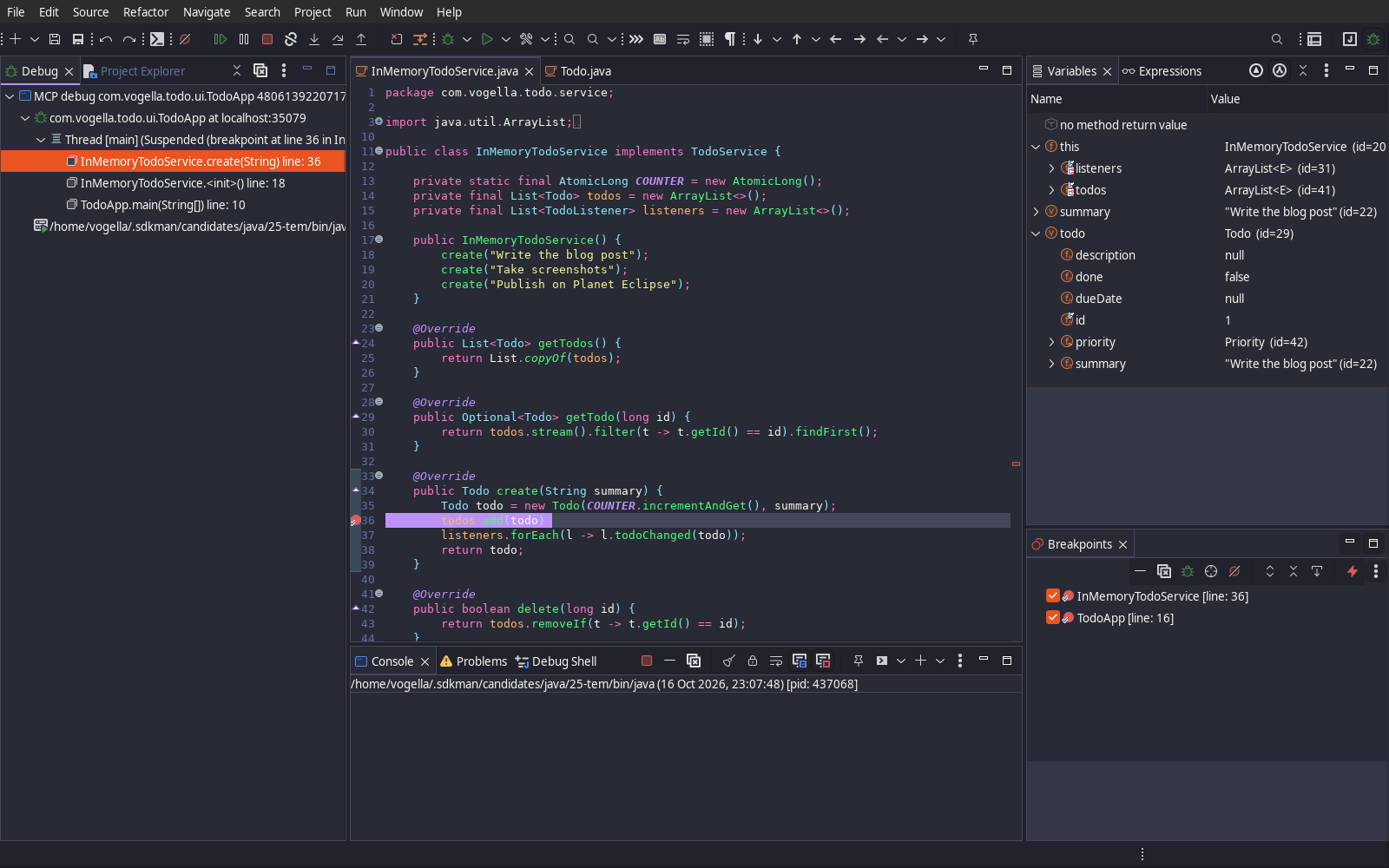
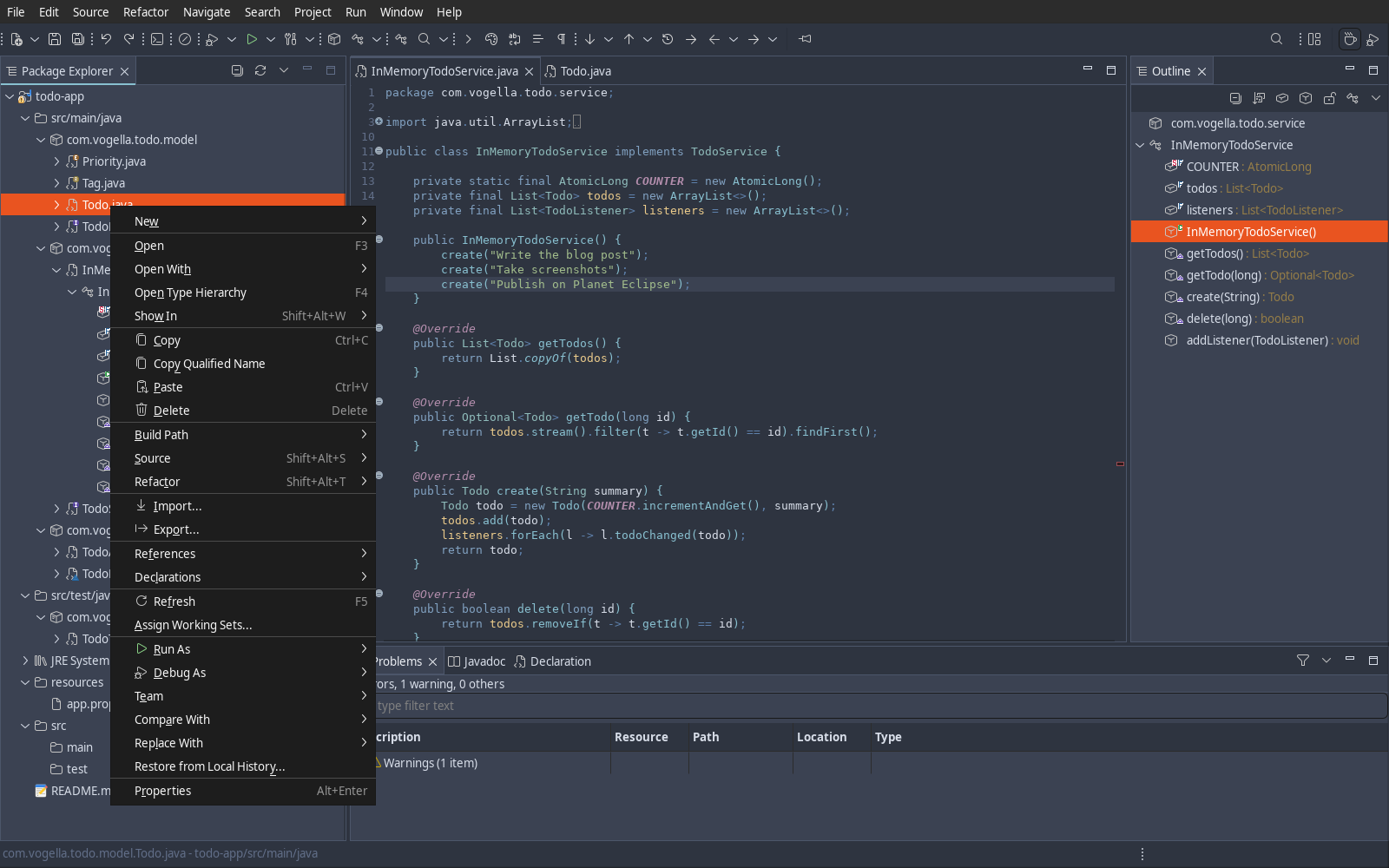
The sets cover the workbench, Java, PDE, EGit, debugging, C/C++, the console, Compare and Mylyn. Icons a set does not cover fall back to icons drawn in the same style, so other plug-ins blend in too. Overlays, wizard banners and icons larger than 16x16 keep the Eclipse originals.
Installing
Install the themes from the Eclipse Marketplace, either by dragging the install button into a running Eclipse or via Help > Eclipse Marketplace.
Alternatively, add the update site https://vogellacompany.github.io/eclipse-themes/ under Help > Install New Software.
One feature installs all themes and icon sets; pick a theme under Preferences > General > Appearance.
If you like the themes, please add them as a favorite on the Marketplace entry, this helps others find them.
The icon sets build on Codicons by Microsoft (CC-BY-4.0) and the IntelliJ Platform icons by JetBrains (Apache 2.0). Neither company is affiliated with or endorses this project.
Sources and issues: github.com/vogellacompany/eclipse-themes.
Want a modern look and feel for your own Eclipse RCP application, with new icons, themes or a complete UI refresh? Contact us, we are happy to help.